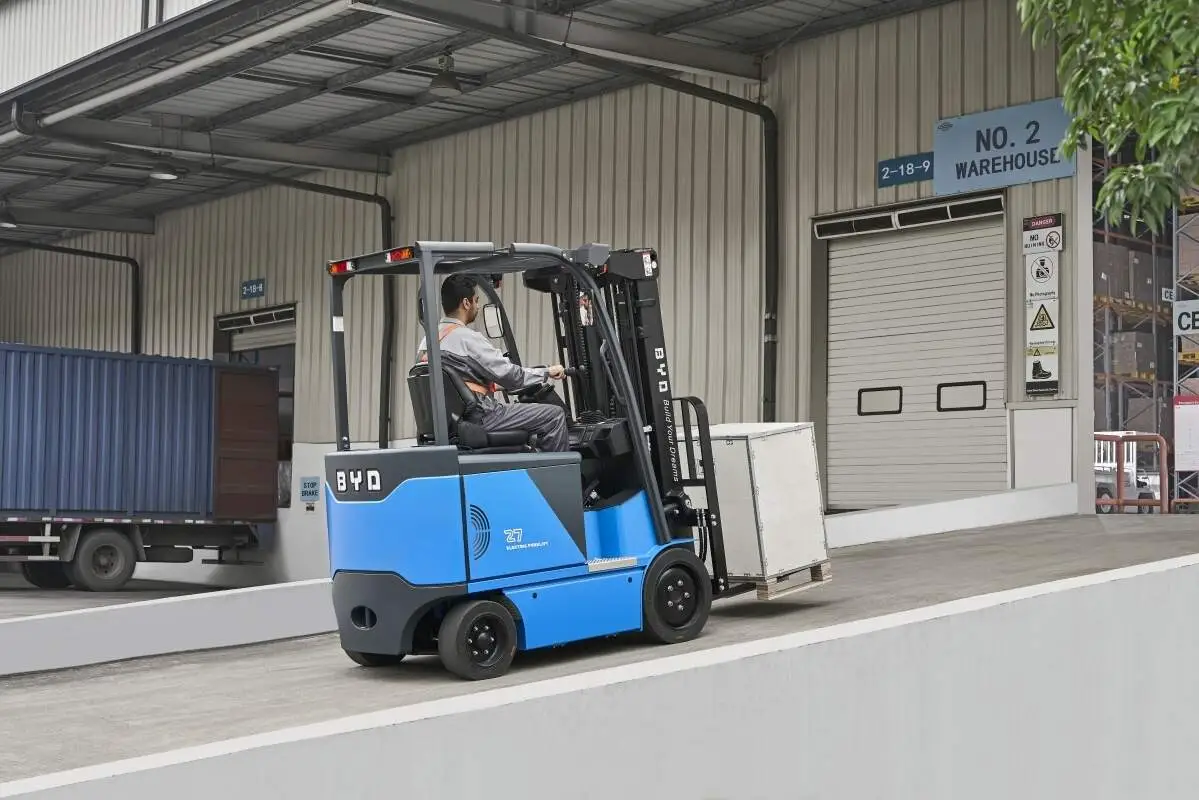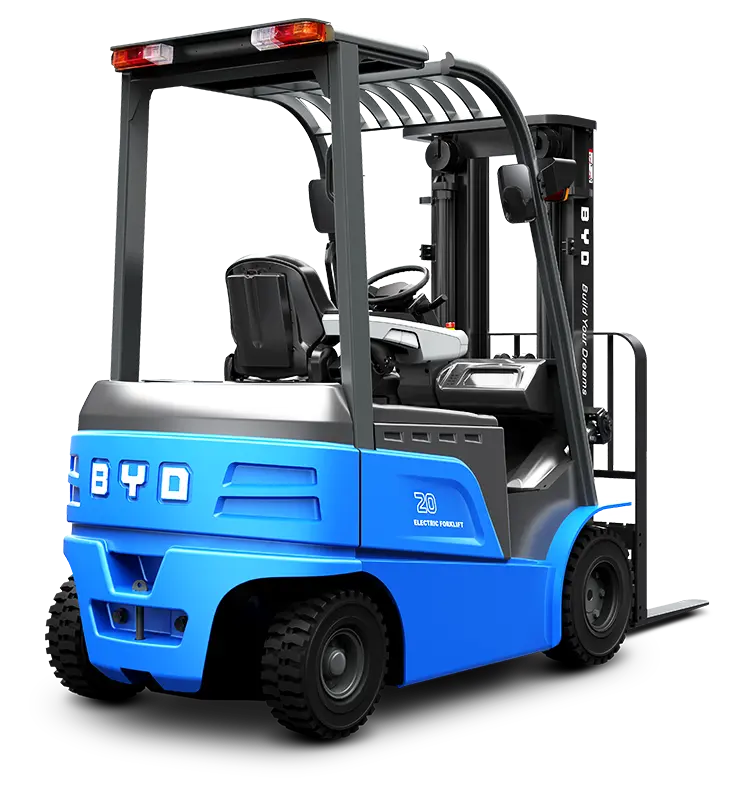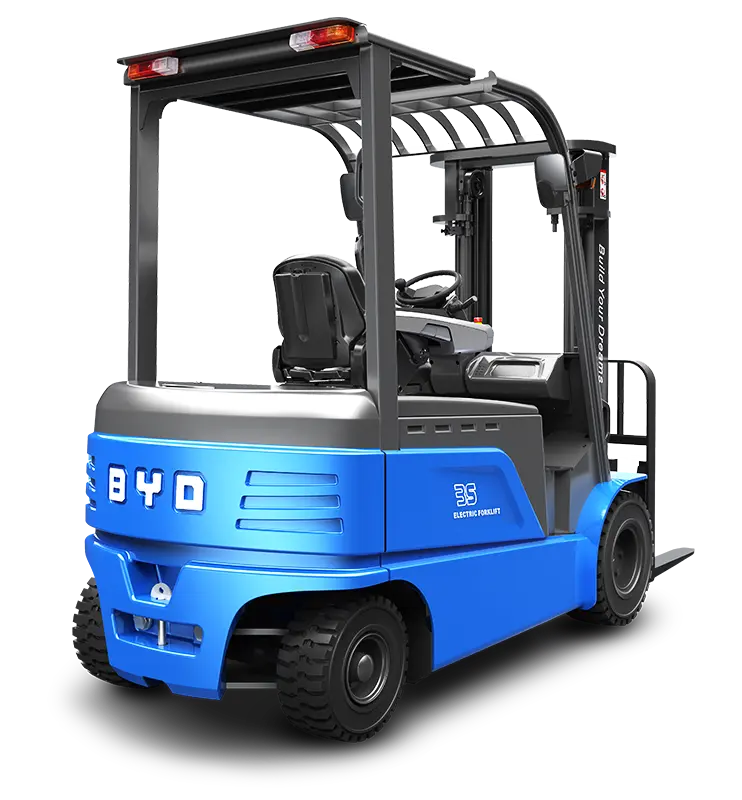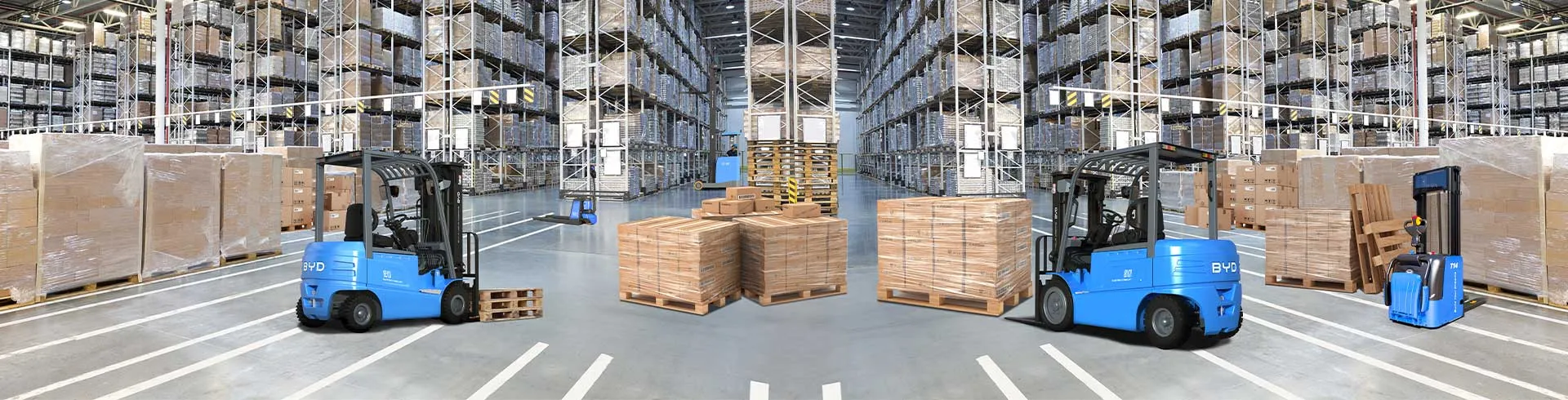
Operating a forklift safely and efficiently starts with a thorough understanding of its control panel. For Crown forklifts, the control panel is designed to centralize critical functions, allowing operators to maneuver, lift, and monitor the vehicle with precision. This guide breaks down key operations, safety protocols, and basic troubleshooting to help both new and experienced operators navigate the panel confidently.
Before initiating any operation, perform a pre-start inspection to ensure all panel components are intact. Begin by inserting the key into the ignition switch and turning it to the "on" position. You’ll notice indicator lights illuminate, including battery charge, hydraulic pressure, and safety lock indicators. Wait for the system to run its self-check—this typically takes 10 to 15 seconds. If any warning lights remain lit after the self-check, stop the process and address the issue before proceeding. Once the system clears, engage the parking brake, press the clutch pedal (if equipped), and shift the gear selector to the desired direction (forward or reverse).
The control panel houses several critical buttons and levers that govern core forklift functions. The lift and tilt levers are located within easy reach of the operator’s seat. To raise the forks, push the lift lever forward; to lower them, pull it backward. The tilt lever adjusts the mast angle—push forward to tilt the mast forward (for loading or unloading pallets) and pull backward to tilt it backward (to secure loads during transport). Additional buttons may include a horn for alerting nearby personnel, a light switch for low-visibility environments, and a speed control dial to adjust travel speed based on workspace conditions. Always ensure your hands are on the steering wheel and levers when operating, avoiding distractions that could lead to mistakes.
Safety is paramount when using forklift control panels. Never operate the panel while standing outside the operator’s compartment, and always wear your seatbelt to prevent injury during sudden stops or maneuvers. When adjusting controls, do so gradually to avoid abrupt movements that could destabilize the load. Pay close attention to indicator lights during operation—if a warning light activates, immediately reduce speed, bring the forklift to a safe stop, and inspect the issue. Additionally, always disengage the controls and set the parking brake when exiting the vehicle, even for a short period.
Occasionally, you may encounter minor issues with the control panel. If the ignition fails to turn on, check that the key is fully inserted and the parking brake is engaged. If the lift or tilt functions do not respond, verify that the hydraulic fluid level is adequate and that no obstructions are blocking the mast. For unresponsive indicator lights, inspect the panel’s wiring connections or replace faulty bulbs as needed. If issues persist, contact a certified maintenance technician to avoid causing further damage to the forklift.
This guide provides a foundational understanding of Crown forklift control panel operations. By following these steps and safety guidelines, operators can ensure smooth, safe, and efficient performance in any workplace setting.