
 简体中文
简体中文 繁体中文
繁体中文 Deutsch
 日本語
日本語 한국어
한국어 Tiếng Việt
 Русский
 ไทย
ไทย Bahasa Indonesia
 Bahasa Melayu
 Filipino
 لالعربية
 Français
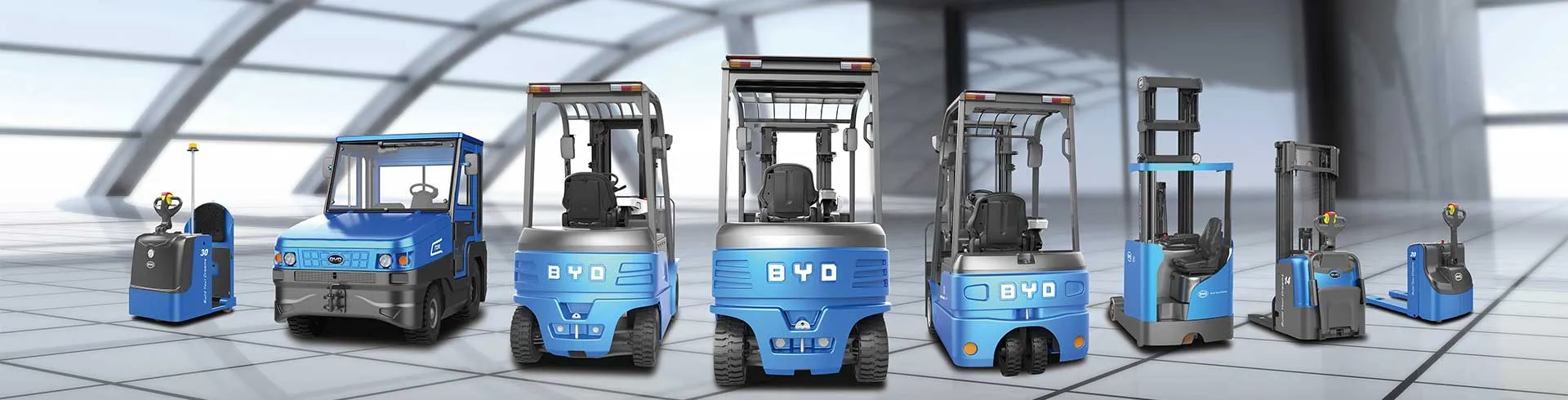

The matching charger of the balance heavy lithium forklift is one of the core accessories to ensure the continuous and stable operation of the equipment. Correctly following the usage specifications can not only improve the charging efficiency, but also prolong the service life of the battery and charger, reducing the risk of failure.
Inspection and preparation before use
Before starting the charging operation, a comprehensive inspection needs to be done. First check the appearance of the charger to confirm that the shell is free of cracks and deformation, and the cables are not damaged or exposed to avoid safety hazards caused by hardware defects. Then check the connection interface between the charger and the forklift battery to ensure that the interface is not rusted or loose, and the contact part is clean and dry. At the same time, confirm that the voltage of the power supply matches the rated voltage of the charger to avoid equipment damage due to voltage discrepancies. In addition, it is necessary to observe the status of the forklift battery to confirm that there is no leakage or bulging on the surface of the battery, and there are no flammable and explosive items around to ensure the safety of the charging environment.
Operating specifications for the charging process
When connecting the charger, you need to follow the correct sequence: first connect the output end of the charger to the charging interface of the forklift battery firmly. After confirming that the contact is good, then connect the input end of the charger to the power supply. After starting the charging, pay attention to the indicator light status of the charger. Under normal circumstances, the indicator light will show the charging status. If there is abnormal flickering or no light, you should immediately stop the operation and check the problem. During the charging process, it is necessary to keep the charging environment dry and ventilated to avoid charging operations in high temperature, humidity or dusty environments. At the same time, do not plug and unplug the charging interface at will to prevent arc damage to the device. In addition, do not leave the charger unattended for a long time during charging, so as to deal with emergencies in a timely manner.
Finishing and maintenance after charging
After the charging is completed, you need to follow the correct steps to disconnect the connection: first disconnect the power input terminal of the charger, and then unplug the output terminal connected to the battery to avoid circuit damage due to wrong operation sequence. Then, organize the charger and store it in a dry, ventilated and protected from direct sunlight to prevent the cable from bending and extrusion. It is necessary to clean the dust and stains on the surface and interface of the charger regularly. When cleaning, disconnect the power supply, wipe it with a dry and soft fabric, and avoid direct rinsing with water. At the same time, avoid the charger from being squeezed or bumped by heavy objects to prevent damage to the internal components. If the charger fails, do not disassemble and repair it yourself. You should contact professional technicians to deal with it to avoid safety accidents.


