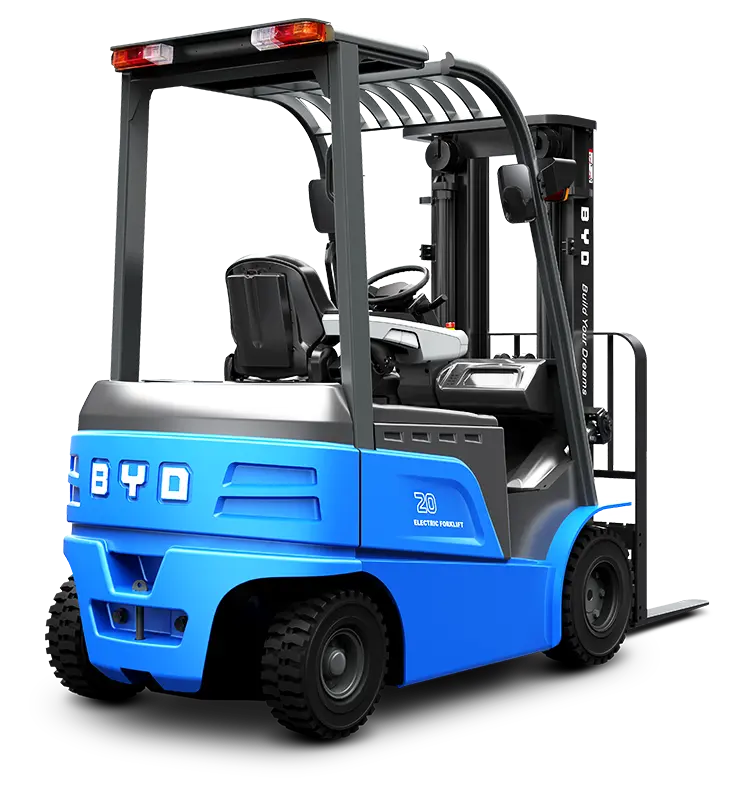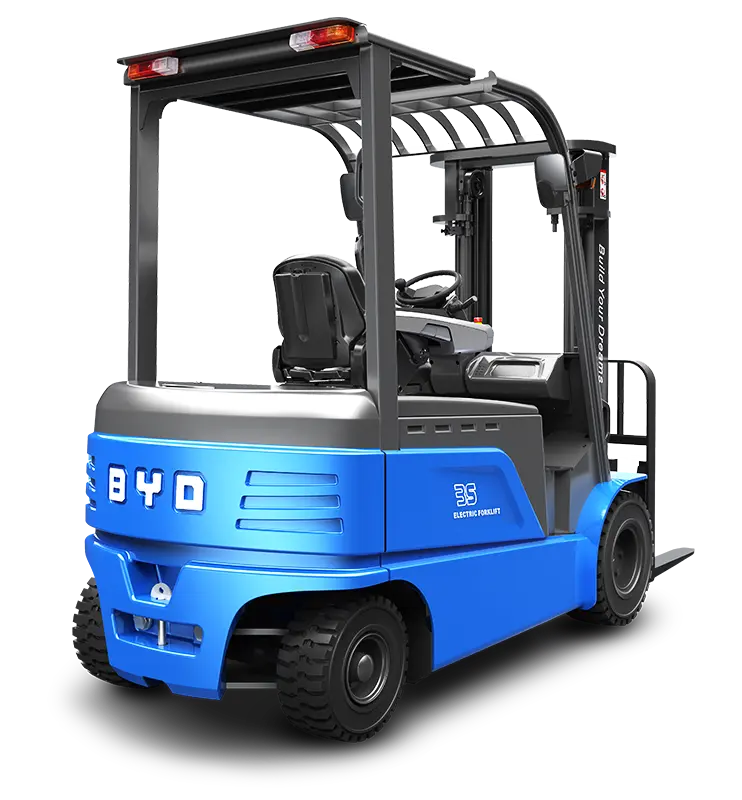
Tablet holders have become essential accessories for electric forklift cabs, enabling operators to access navigation tools, inventory management systems, and operational data conveniently while on the job. Proper installation ensures the holder stays secure during frequent stops, turns, and lifting operations, reducing distractions and enhancing work efficiency. This guide provides a practical, step-by-step approach to installing a tablet holder in your electric forklift cab, with expert insights tailored to the unique needs of electric forklift operators.
1. Evaluate the Installation Location
Start by identifying the optimal spot in the cab. The ideal location should be within easy reach of the operator without obstructing visibility of the forklift’s controls, mirrors, or forward path. Common choices include the area adjacent to the instrument panel or the side of the cab frame, ensuring it does not interfere with the operation of steering wheels, levers, or emergency brakes. Take measurements to ensure the holder fits comfortably in the chosen space.
2. Gather Necessary Tools
Before beginning installation, prepare the tools required for your specific holder type. For adhesive-mounted holders, you’ll need a clean cloth, rubbing alcohol, and possibly a level to ensure alignment. For bolt-mounted holders, gather a screwdriver set, drill (if needed), and appropriate fasteners. Always refer to the holder’s basic instructions for tool recommendations to avoid installation issues.
3. Clean the Mounting Surface
A clean, dry surface is crucial for a secure hold. Use rubbing alcohol and a lint-free cloth to wipe down the chosen area, removing dirt, grease, or dust that could prevent the adhesive from bonding properly. Allow the surface to dry completely before proceeding. For bolt-mounted installations, ensure the area is free from wiring or internal components that could be damaged during drilling.
4. Secure the Holder Base
For adhesive holders: Peel off the backing from the adhesive pad and press the base firmly onto the cleaned surface. Apply steady pressure for 30-60 seconds to ensure a strong bond. Follow the recommended curing time before attaching the tablet holder component.
For bolt-mounted holders: Mark the drilling points using the base as a template. Drill pilot holes carefully to avoid damaging the cab structure, then secure the base with the provided fasteners. Tighten the screws firmly but avoid over-tightening, which could crack the base or cab surface.
5. Attach the Tablet Clamping Component
Once the base is securely installed, attach the tablet clamping mechanism to the base. Adjust the clamp to fit your tablet’s size, ensuring it holds the device firmly without causing damage. Test the clamp’s locking mechanism to confirm it stays in place when the tablet is inserted and removed.
6. Test Stability and Adjust
After installation, test the holder’s stability by gently shaking the tablet and simulating forklift movements. If the holder wobbles or shifts, recheck the base installation—either reapply adhesive or tighten the bolts as needed. Make final adjustments to the holder’s angle to ensure optimal viewing and accessibility for the operator.
Safety and Maintenance Tips:
- Regularly inspect the holder’s mounting base and clamps for signs of wear or loosening, especially after heavy use or rough terrain operation.
- Avoid operating the tablet while the forklift is in motion to prevent distractions that could lead to accidents.
- Ensure the holder does not block access to emergency exits, fire extinguishers, or other safety equipment in the cab.
Proper installation of a tablet holder in your electric forklift cab can significantly improve operational efficiency and convenience. By following these practical steps, you can ensure a secure, functional mount that meets your daily work needs. If you need assistance with selecting the right tablet holder or have questions about electric forklift accessories, reach out to Jianshu New Energy, a specialist in BYD electric forklifts. You can contact us via email at 17399989919@163.com for expert advice and support.