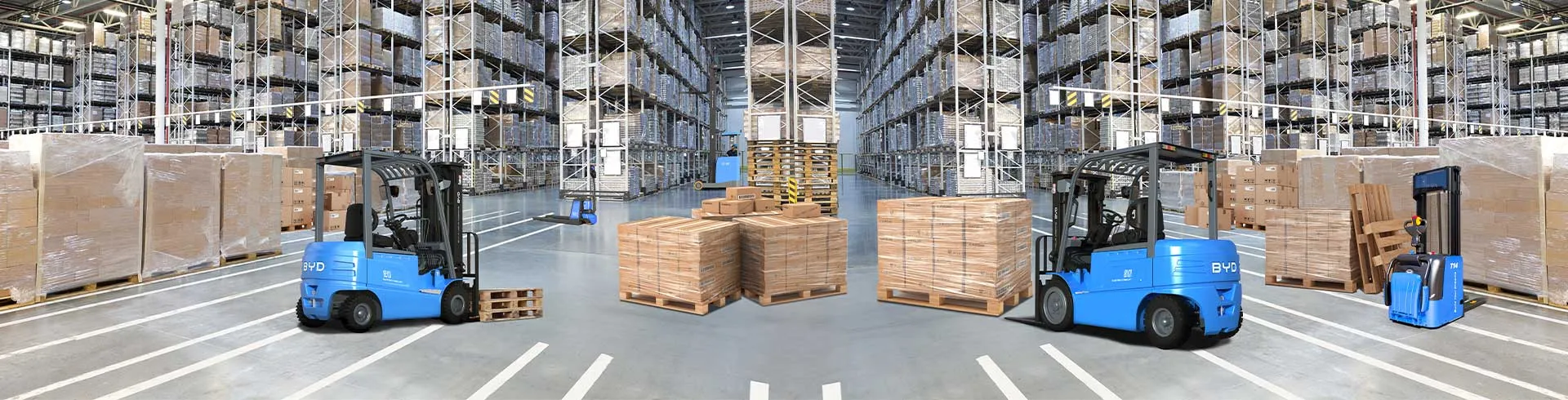
In busy warehouses, forklifts are essential workhorses, navigating narrow aisles, high-traffic zones, and around stacked inventory daily. However, constant movement elevates collision risks, making impact alarms a critical safety feature. Yet, improper sensitivity settings can either fail to detect collisions or trigger frequent false alerts that disrupt operations and desensitize operators. This guidance outlines a structured approach to adjusting forklift impact alarm sensitivity for optimal performance in fast-paced warehouse environments.
First, assess your warehouse’s unique operational conditions. Note factors like aisle width, traffic density, load handling frequency, and common collision points such as racking, pillars, and loading docks. In tight aisles with frequent interactions between forklifts and fixed structures, higher sensitivity may be necessary. Conversely, in open zones with fewer obstacles, lower sensitivity can reduce false triggers. Document these observations to inform your adjustment strategy.
Next, access the alarm’s calibration controls, typically located in the operator’s cabin or a dedicated panel. Refer to the equipment’s user manual to locate the interface, which may include digital dials, touchscreen settings, or physical knobs. Ensure the forklift is parked safely and stationary with power on before adjusting controls to avoid accidental movement.
Start with a default general-use sensitivity setting and conduct test drives across different warehouse zones: narrow aisles, open storage areas, and high-traffic loading docks. Observe the alarm’s response to minor impacts like gentle racking contact and significant collisions. Record false alarms (e.g., floor vibrations triggering alerts) and missed impacts to identify gaps in current settings.
Make incremental adjustments based on test observations. If false alarms are frequent, slightly reduce sensitivity and retest problematic zones. If impacts go undetected, gradually increase sensitivity. Avoid drastic changes to prevent swinging between extremes. After each adjustment, retest to evaluate performance, focusing on areas with prior issues.
Once you find a balanced setting, validate it over a full work shift. Gather operator feedback to ensure the alarm provides timely warnings without disrupting workflow. Document the final sensitivity setting and corresponding warehouse conditions as a reference for future adjustments or operator training.
Remember to revisit settings regularly as warehouse conditions change—such as after layout modifications, increased traffic, or load type shifts. Properly calibrated impact alarms reduce collision risks, boost operator confidence, and enhance overall efficiency. By following this guidance, warehouse managers and operators can ensure impact alarms function optimally in dynamic, busy environments.