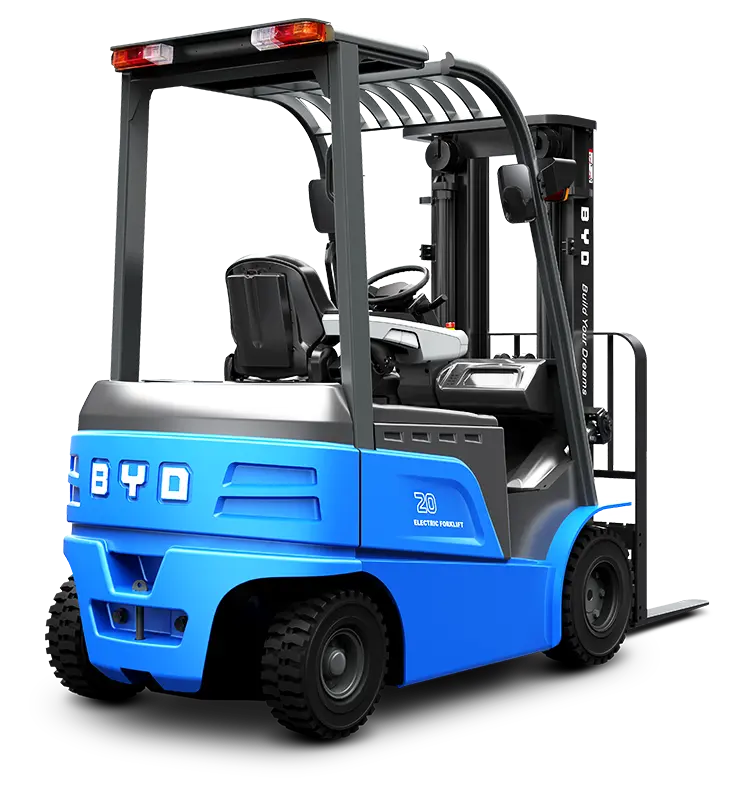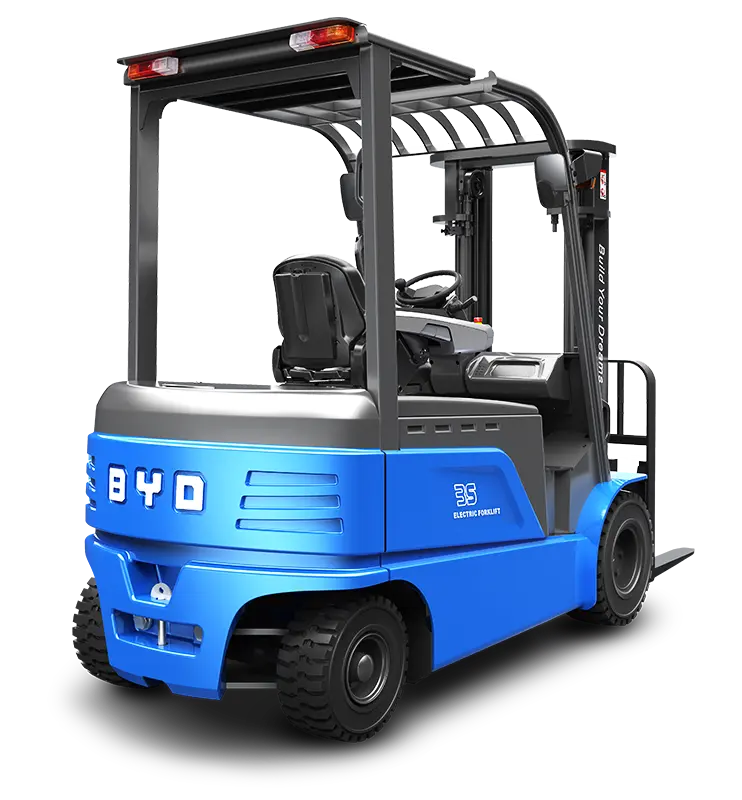
In modern warehouse and material handling operations, forklift-mounted tablets have become essential tools for streamlining tasks like inventory tracking, route navigation, and real-time data access. A properly installed tablet holder ensures these devices remain secure, accessible, and functional, directly boosting operational efficiency and convenience. This step-by-step installation guide will walk you through the process of setting up a forklift tablet holder safely and effectively.
Preparation and Pre-Installation Checks
Before starting the installation, gather necessary tools including a drill, appropriate screws, a level, and a tape measure. First, inspect the forklift’s cabin area to identify a suitable mounting spot. The ideal location should be within the operator’s line of sight without blocking critical controls, mirrors, or visibility of the loading area. Ensure the surface is flat and sturdy to support the holder’s weight, and clean any dirt or debris from the mounting surface to ensure a secure fit.
Positioning the Holder Base
Using the tape measure and level, mark the exact position for the holder base. Align it such that the tablet, once mounted, can be viewed comfortably without forcing the operator to strain their neck or divert attention from driving. Avoid positions near moving parts or areas exposed to excessive vibration, as this could damage the tablet or reduce the holder’s stability. Double-check the alignment with the level to ensure the base is perfectly horizontal or at a slight ergonomic angle.
Securing the Base to the Forklift
Once the position is confirmed, use the drill to create pilot holes for the screws to prevent the metal surface from cracking. Insert the screws into the pilot holes and tighten them firmly, ensuring the base is stable and does not wobble. Avoid over-tightening the screws, as this could strip the holes or damage the forklift’s cabin structure. After securing, give the base a gentle shake to verify it is firmly attached.
Installing the Tablet Clamp
Next, attach the tablet clamp to the base according to the holder’s design. Most clamps are adjustable to fit different tablet sizes, so adjust the clamp arms to match your device’s dimensions. Place the tablet into the clamp and secure it tightly, ensuring there is no vertical or horizontal movement. Some holders feature quick-release mechanisms for easy tablet removal, so test this function to ensure it works smoothly while keeping the device secure during operation.
Post-Installation Testing and Adjustments
After installation, conduct a series of tests to ensure the holder meets operational needs. Start by turning on the forklift and checking for excessive vibration that might shift the tablet. Test the holder’s adjustability, tilting or swiveling it to find the most comfortable viewing angle for the operator. Ensure the tablet remains secure during simulated driving, including turning and stopping maneuvers. If any instability is detected, re-tighten the screws or readjust the clamp to eliminate movement.
To maintain the holder’s functionality, regularly inspect the screws and connections for tightness, especially after heavy use. Clean the holder and tablet regularly to prevent dust and debris from interfering with the clamp or screen. Always follow safety guidelines when operating the forklift, ensuring the tablet does not become a distraction during critical tasks. By following these installation and maintenance steps, you can ensure your forklift tablet holder enhances operational convenience while keeping both the device and operator safe.